Sim Racing Telemetry F1 2017 Review & Safe Download Guide
Are you hitting a wall with your lap times in F1 2017? If you’re ready to move beyond “gut feeling” and start using real data to shave off those crucial tenths of a second, then the Sim Racing Telemetry – F1 2017 module is the tool you’ve been searching for. This isn’t a game; it’s a powerful data-analysis tool designed to turn you into a faster, more consistent driver.
This review will explain exactly what this telemetry module does, its key features, and the only secure way to download the pc game and start analyzing your performance like a real F1 engineer.
What is Sim Racing Telemetry for F1 2017?
Think of this product as a bridge. It is a special add-on module that allows the main Sim Racing Telemetry (SRT) software to connect seamlessly with the F1 2017 game by Codemasters. Once connected, it unlocks the ability to record and analyze a huge amount of data from your car every time you complete a timed lap.
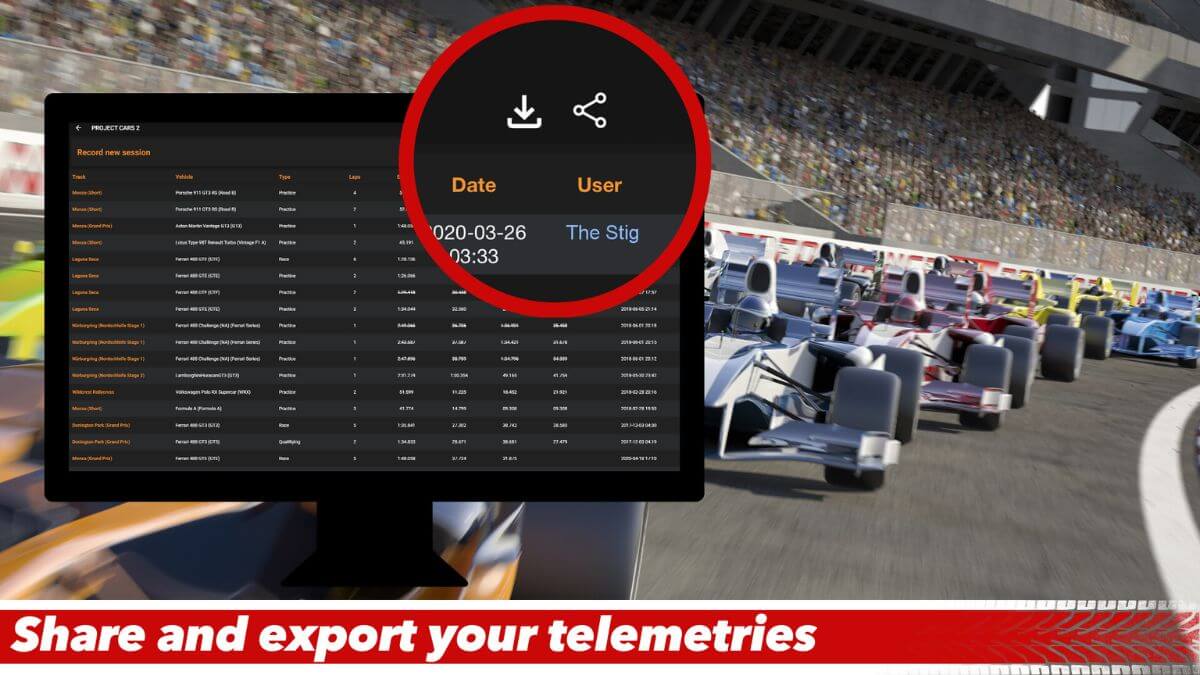
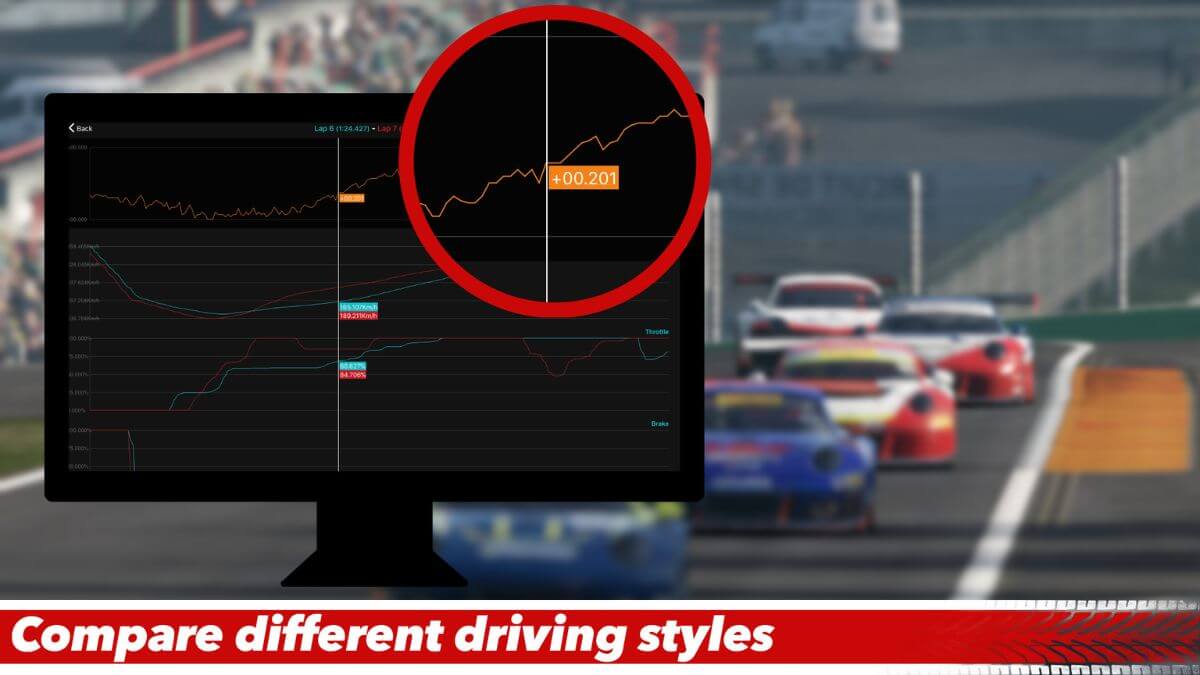
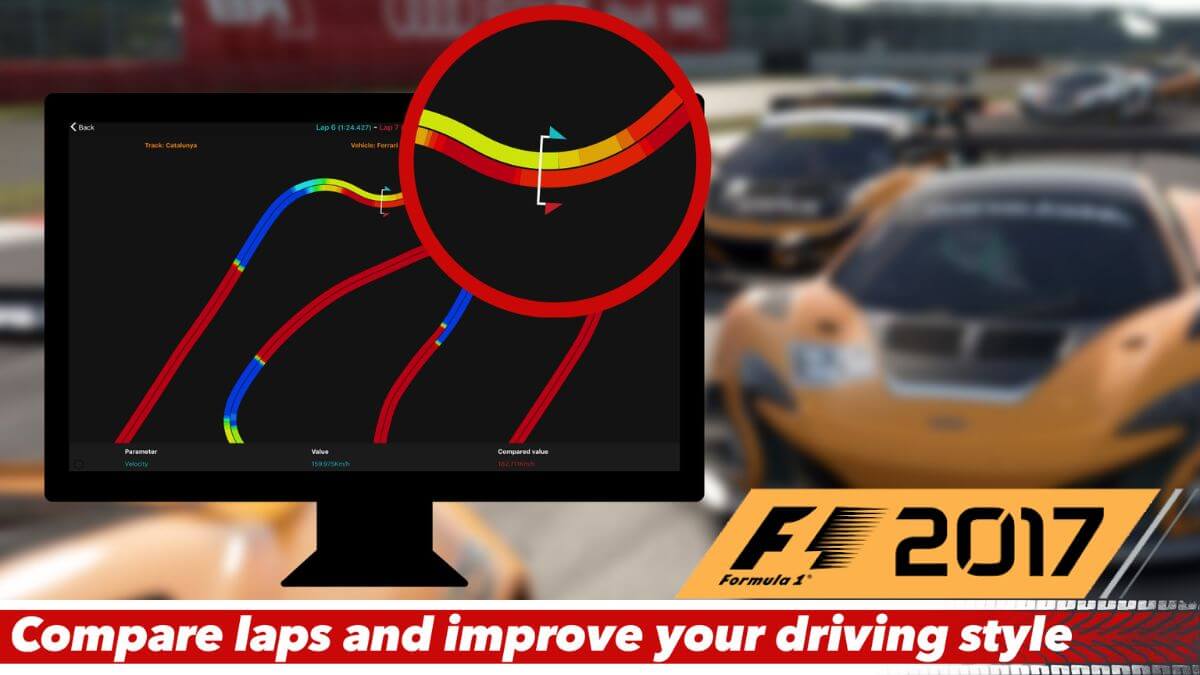
Instead of just guessing where you’re slow, you can now see it in black and white. You can compare laps to see exactly where you’re braking too early, getting on the throttle too late, or using the wrong gear. It’s the ultimate tool for any serious sim racer who wants to systematically improve their driving.
Please Note: This is a DLC module, not a standalone game. You must already own a copy of F1 2017 to use it. This product is independently made and is not affiliated with the game’s developers.
Key Features: Turn Data into Speed
This module is focused on one thing: giving you the data you need to get faster. Here’s what makes it so effective:
Complete F1 2017 Integration: This module unlocks full and unlimited support for the game, ensuring you can capture every piece of valuable data that F1 2017 outputs.
Cross-Platform Compatibility: It doesn’t matter where you play. The tool is designed to work whether you own F1 2017 on PC, PS4, Xbox One, or macOS.
Simple Network Setup: To record data, you simply need to have your computer (running the telemetry software) and your console or gaming PC connected to the same home network. The software can even run on the same PC you use for gaming.
Focused on Performance: The tool is designed to only record data from your completed, timed laps. This keeps your data clean and focused on the laps that actually matter for performance analysis.
How to Download This Telemetry Module (Official & Safe Method)
When looking for niche software, you might search for terms like “Sim Racing Telemetry F1 2017 free download.” It is absolutely critical to understand that this is dangerous and should be avoided.
Warning: The Dangers of Illegal Downloads
Websites offering “free” downloads for paid software through cracks, torrents, or other shady sites are almost always traps. These files are often bundled with malicious programs designed to harm your computer and steal your information. The risks include:
Viruses and Malware: Can corrupt your system files, slow down your PC, and make it unusable.
Ransomware: A vicious type of malware that can lock all of your personal files and demand a payment to get them back.
Spyware and Keyloggers: Can secretly steal your passwords, banking information, and other sensitive personal details.
Trying to get this software for free is not worth compromising your PC’s security.
The Only Safe and Legal Way to Download This Module
The only secure method to get this add-on is to purchase it from its official page on a legitimate digital storefront like Steam. This guarantees you receive a clean, working, and legitimate piece of software.
Here’s the simple and secure process:
Open the Steam Client: If you don’t have Steam, you can download the application for free from the official Steam website.
Navigate to the Store: Once in the Steam client, click on the “Store” tab.
Search for “Sim Racing Telemetry – F1 2017”: Use the search bar to find the module’s official store page.
Purchase and Install: Click the “Add to Cart” button and complete the secure purchase. The module will then be added to your account, ready for use with the Sim Racing Telemetry software.
Remember: You must also own the base game “F1 2017” on a supported platform for this tool to function.
System Requirements (for the SRT Software on PC)
The telemetry software itself is very lightweight and will run on most systems.
Minimum System Requirements:
OS: Windows 7 or newer
Processor: Intel Core 2 Duo
Memory: 1 GB RAM
Storage: 1 GB available space
Note: As of January 1, 2024, the Steam client officially supports Windows 10 and newer versions only.
Final Verdict: Is This Tool for You?
If you are a casual F1 2017 player who just enjoys the thrill of the race, you probably don’t need this. However, if you are a dedicated sim racer, a league competitor, or simply a driver obsessed with finding the perfect lap, this tool is an absolute game-changer. It provides the kind of data-driven insight that is essential for serious improvement.