Rising World Review & Download Guide 2026: Build Your Legacy
Ever dreamed of a world where your imagination is the only limit? A place where you can build towering castles, modern cities, or a quiet cabin in the woods, all within a living, breathing environment? Even in 2026, a few games capture this spirit of pure creation as well as Rising World. This open-world sandbox has continued to evolve, offering a deep and rewarding experience for builders and adventurers alike.
If you’re looking to dive into this endlessly creative universe, you’ve come to the right place. This guide will cover everything you need to know, from core gameplay features to the only safe way to download Rising World for your PC. Let’s get started.
Gameplay & Features: Your World, Your Rules
Rising World stands out by blending survival elements with incredibly powerful and intuitive building tools. It doesn’t just give you blocks; it gives you the power to shape the world with near-total freedom.
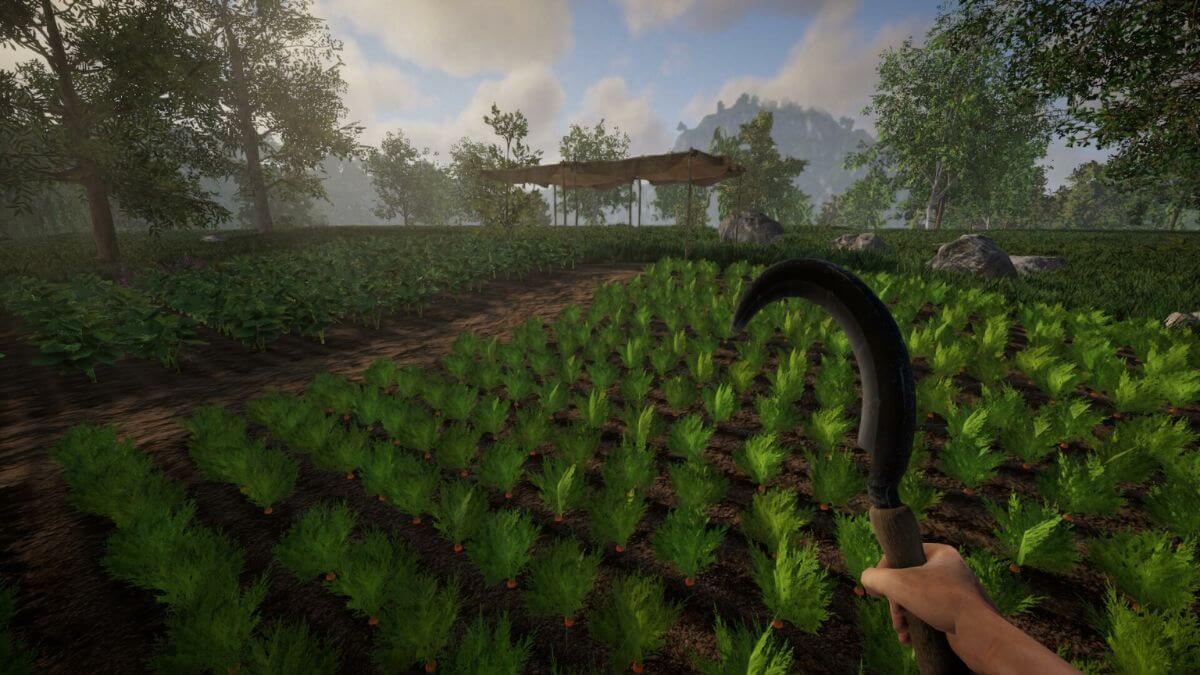
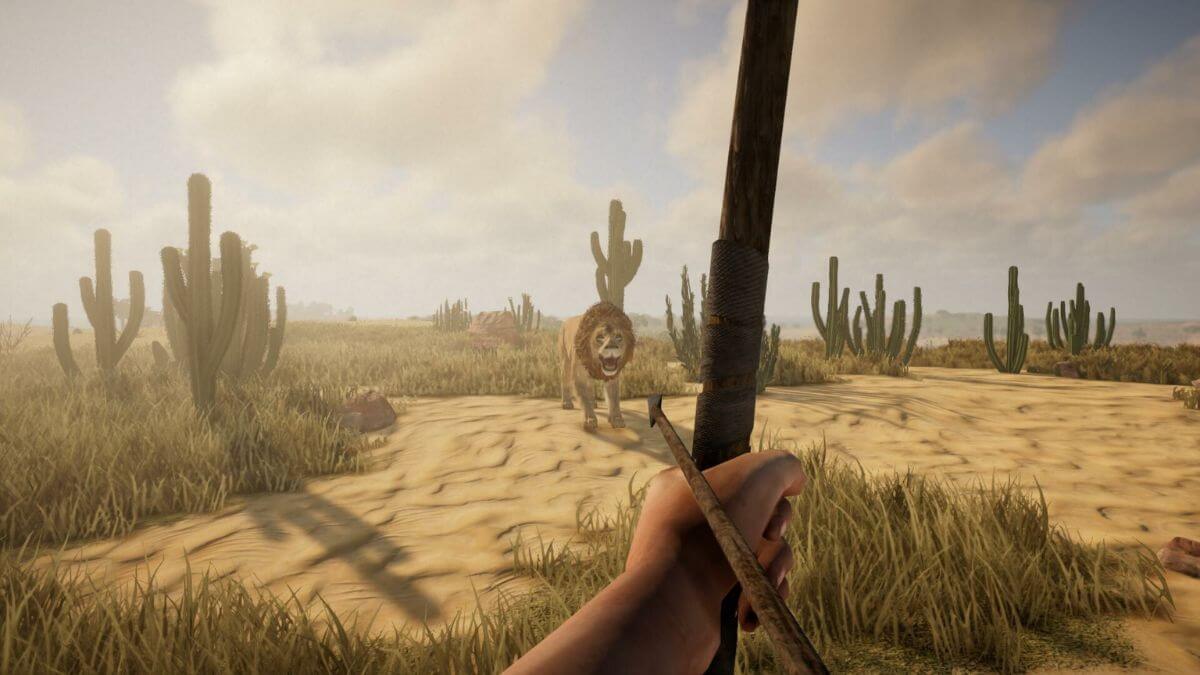
Limitless Voxel Worlds: Every new game generates a unique, sprawling map filled with diverse biomes. From dense forests and snowy mountains to vast deserts, there’s always something new to explore over the next hill.
Total Environmental Control: This is the game’s crown jewel. Nearly everything is destructible and modifiable. Chop down any tree, mine deep into complex cave systems, and flatten mountains to make way for your grand designs.
Advanced Building Tools: Move beyond simple blocks. The game provides planks, beams, and panels that let you construct incredibly detailed and realistic structures. You can even upload your own images to create custom posters or paintings in-game!
Single-Player & Multiplayer: Whether you want to build a personal empire alone or collaborate with friends on a massive city, the choice is yours. The PC game download gives you access to both robust modes.
Living Environment: The world feels alive with a full day-night cycle, dynamic seasons that change the landscape, and wildlife. You can even craft fishing rods, ride mounts, or build and pilot your own boats.
Is Rising World Free Download Safe?
This is one of the most common questions we see online. When players search for a “Free Download” of a popular game, they often find websites offering cracked versions. Let’s be perfectly clear: these downloads are never safe.
Searching for a “free” version of a paid game like Rising World exposes you and your PC to significant risks. Here’s what you’re up against:
Viruses & Malware: Cracked game files are the number one way hackers distribute malicious software. This can include keyloggers to steal your passwords, ransomware to lock your files, or viruses that corrupt your entire system.
No Updates or Support: A pirated copy is a dead-end. You won’t receive critical bug fixes, new features, or content updates from the developers. You’ll be stuck with a broken, outdated version of the game.
No Online Play: Access to official multiplayer servers is impossible with an illegal copy, cutting you off from a huge part of the game’s community and fun.
It Hurts the Developers: Indie developers pour their passion and resources into creating these amazing worlds. Downloading illegally takes away the funding they need to continue supporting and improving the game.
The Smart Alternative: Instead of risking your computer’s health, look for official sales! Games on Steam frequently go on sale during major events like the Summer and Winter Sales. Wishlisting the game on Steam is the best way to get notified when the price drops, allowing you to get it safely and legitimately for a great price.
How to Securely Download Rising World
The only 100% safe and legitimate way to get the game is through an official digital storefront like Steam. The process is simple, secure, and ensures you get all future updates.
Here is your step-by-step guide:
Get the Steam Client: If you don’t have it, go to the official Steam website and download the free desktop application.
Create Your Account: Sign up for a free Steam account or log in if you already have one.
Find the Game: Open the Steam client and use the “Store” search bar at the top. Type in “Rising World” and press Enter.
Purchase the Game: Click on the game’s store page. Here you can press “Add to Cart” and proceed to checkout to complete your secure purchase.
Install and Play: Once purchased, the game will be permanently added to your Steam “Library.” Go to your Library, find Rising World, and click the “Install” button. Once the PC game download is complete, you’re ready to play!
System Requirements (2026 Estimates)
To ensure a smooth building and exploration experience, make sure your PC meets these specifications.
Minimum Requirements:
OS: Windows 10 (64-bit) or higher
Processor: 2+ Cores (e.g., Intel Core i3, AMD Ryzen 3)
Memory: 8 GB RAM
Graphics: 2 GB VRAM (e.g., NVIDIA GeForce GTX 650 Ti, AMD Radeon HD 7770)
DirectX: Version 11
Storage: 20 GB available space
Network: Broadband Internet connection
Recommended Requirements:
OS: Windows 10 (64-bit) or higher
Processor: 4+ Cores (e.g., Intel Core i7, AMD Ryzen 5)
Memory: 16 GB RAM
Graphics: 4+ GB VRAM (e.g., NVIDIA GeForce RTX 2080 or newer)
DirectX: Version 12
Storage: 25 GB available space
Network: Broadband Internet connection
Ready to start your adventure and build the world of your dreams? Follow our safe download guide and let your creativity run wild in Rising World today
Screenshots: